
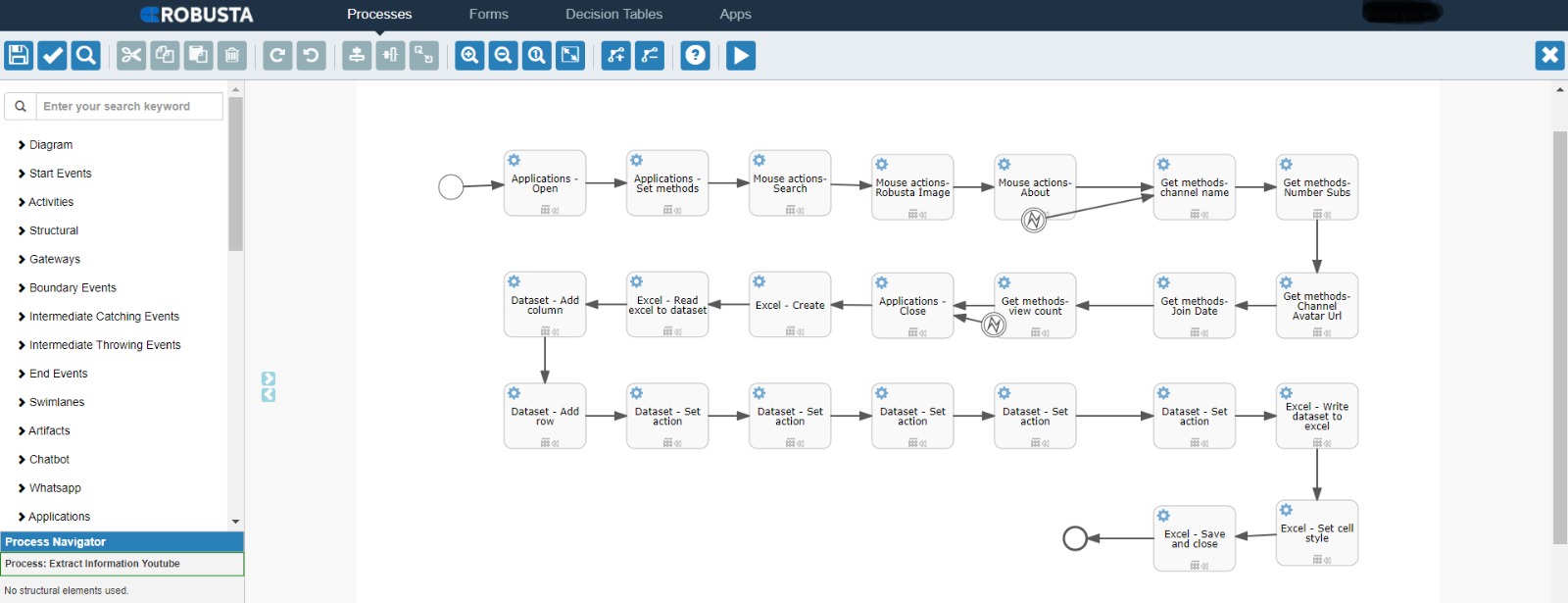
It enables a search of the exchange rates with RPA on the EuroNext site and saves the results from excelling in table format.
Login to the Euronext site and ask to save currency tables in Excel. If no table is found, the process is terminated. If the table is located, how many are available, the tables are saved separately under the RobustaProject folder as Excel, and the process is completed.
– Community Edition & Enterprise Version
https://docs.robusta.ai/docs/documentation-2022-08/robusta-rpa-components/applications/functions/
https://academy.robusta.ai/
https://docs.robusta.ai/docs/documentation-2022-08/robusta-rpa-components/applications/scrape-data/
It enables a search of the exchange rates with RPA on the EuroNext site and saves the results from excelling in table format.
Login to the Euronext site and ask to save currency tables in Excel. If no table is found, the process is terminated. If the table is located, how many are available, the tables are saved separately under the RobustaProject folder as Excel, and the process is completed.
– Community Edition & Enterprise Version
https://docs.robusta.ai/docs/documentation-2022-08/robusta-rpa-components/applications/functions/
https://academy.robusta.ai/
https://docs.robusta.ai/docs/documentation-2022-08/robusta-rpa-components/applications/scrape-data/


With our extensive collection of elements, creating and customizing layouts becomes
second nature. Forget about coding and enjoy our themes.